AI Logo Generator
Describe your brand and generate a professional logo in seconds — powered by AI, free to start, no design skills needed.
Logos created
Trusted by millions for AI logo designs
Our AI logo generator has helped entrepreneurs, startups, and small businesses create stunning logos quickly and affordably. See what's possible.


Everything you need from an AI logo generator
Logos in minutes
Skip the blank page. The AI logo generator turns an idea into a finished design fast — no waiting on a designer.
Your style, your way
Guide the AI with style and color cues. Clean geometry, organic shapes, or bold color — your AI logo, your direction.
Complete brand kit
Every logo comes with 30+ files and matching brand assets so you can launch a cohesive identity day one.
Original & commercial-ready
Unique results with full commercial usage rights, so your AI logo is yours to use anywhere, forever.
How to use AI Logo Generator
Create your perfect logo in a few simple steps. Our AI does the heavy lifting, turning your ideas into a professional brand identity.
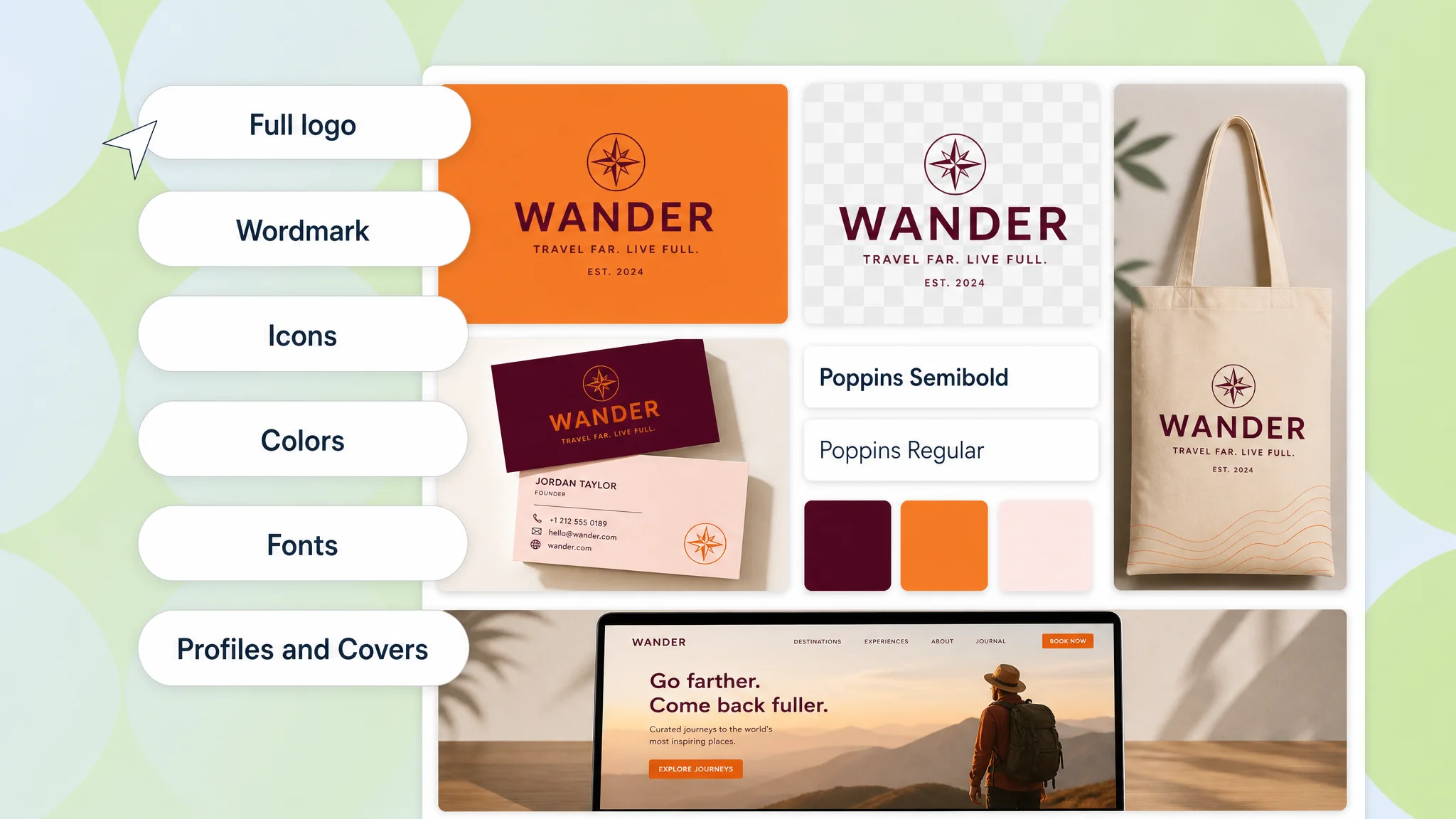
Enter Your Business Name
This is the foundation of your new brand. The AI logo generator will use this name as the central element for the designs it creates.
Add a Slogan (Optional)
Have a tagline? Adding it gives our AI logo generator more context to create a design that truly represents your brand's message and values.
Share Your Business & Industry
Tell the AI logo generator about your industry, like 'Technology' or 'Coffee'. This helps it understand the visual language of your space to create a relevant logo.
Pick Your Keywords & Style
Describe your vision using keywords like 'minimalist', 'modern', or 'mascot'. This is the most powerful step to guide the AI logo generator to your desired outcome.
Choose a Logo Template
Review dozens of unique logos generated by the AI in seconds. Browse through the concepts and find the one that best captures your brand's essence.
Customize Your Logo
Once you've picked a favorite, use our intuitive editor to fine-tune it. Adjust colors, fonts, layouts, and icons until your new logo is perfect.
Download Your Brand Kit
With a single click, download everything you need to launch your brand. Your kit includes high-resolution files for web and print, ready for commercial use.
Download Your Brand Kit
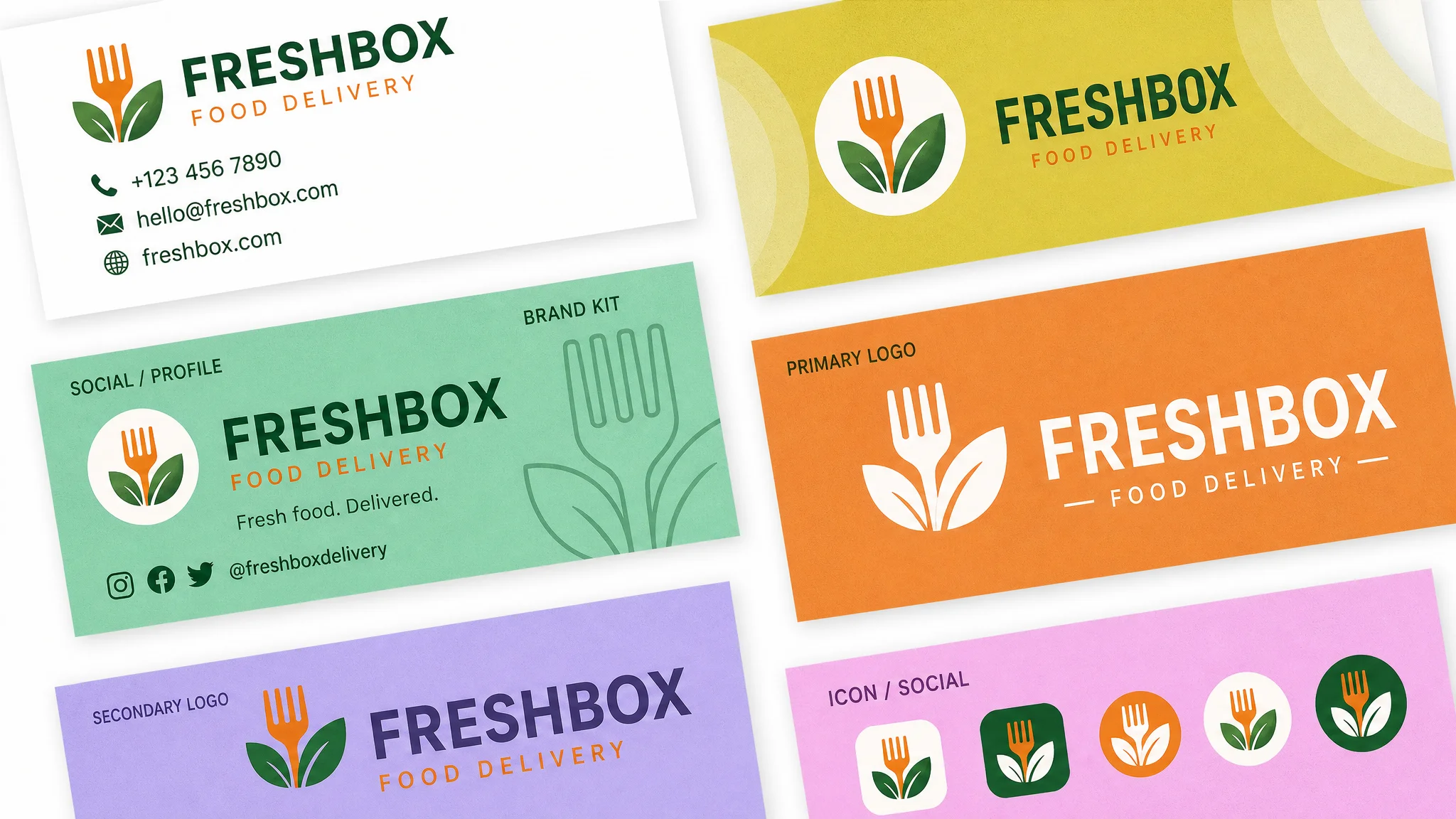
Go from a great logo to a complete brand identity. When you've perfected your design with our AI logo generator, you can instantly download a comprehensive brand kit.
Receive over 30 files, including:
- High-resolution logo files (PNG, JPG, SVG, EPS, PDF)
- Transparent background and black & white variants
- Ready-to-use favicon for your website
- Social media kit for all major platforms
- Business card designs
- A mini style guide with your brand's colors and fonts
Users who loved using our logo maker
“I love how easy it is to create a logo and I will use this wonderful service again. Plus they gave nice ideas on how to use your logo and what it would look like in different marketing situations.”
Lisa M.
AI Logo Generator Review
“What a great way to start a new brand. The AI logo generator is easy to use and provides lots of designs and templates to set you on your journey. A fantastic tool for any entrepreneur.”
Karen T.
AI Logo Generator Review
“Excellent service to create a new business brand. Couldn't be happier with the outcome! I'm very satisfied with my final logo and the entire process was seamless. Highly recommend this AI tool.”
Stella R.
AI Logo Generator Review
How to make your logo look great
A great logo is more than just a pretty picture; it's the face of your brand. It should be memorable, versatile, and appropriate for your target audience. When using an AI logo generator, you have a powerful partner in this creative process. The key is to provide the AI with clear direction and then use your own judgment to select and refine the best option. Think about the emotions and values you want your brand to convey. Is it modern and innovative, or traditional and trustworthy? These concepts can be translated into visual elements like color, shape, and typography.
The beauty of using an AI logo generator is the ability to rapidly iterate. You can try dozens of different prompts and see the results in seconds. Don't be afraid to experiment. Combine different styles, request specific imagery, and play with color palettes. The more you experiment, the better you'll understand what works for your brand. Remember that the logo needs to work in various contexts, from a tiny favicon on a website to a large print on a billboard. Simplicity is often key to ensuring a logo is versatile and easily recognizable at any size.
Once the AI has generated a range of options, take a step back and evaluate them critically. Which logo best tells your brand's story? Which one will resonate most with your customers? The final design should be a strategic choice, not just an aesthetic one. Our platform allows you to take a promising AI-generated concept and polish it to perfection, ensuring your final logo is not just good, but great.
Best Practices When Using an AI Logo Generator
Use the Right Prompt for the Logo Generator
The quality of your output is directly tied to the quality of your input. This is the golden rule of working with AI. Instead of a vague prompt like “make a logo,” be descriptive. Include your business name, industry, desired style (e.g., minimalist, vintage, futuristic), color preferences, and any key imagery you'd like to see (e.g., a lion, a coffee cup, a circuit board). For example, a great prompt would be: “A minimalist logo for ‘QuantumLeap’, a tech startup. Use shades of blue and a simple, abstract icon that suggests progress and innovation.” A well-crafted prompt is the most important step in using any AI logo generator effectively.
Keep Your Logo Simple
The most iconic logos in the world are often the simplest. Think of Nike's swoosh or Apple's bitten apple. A simple logo is easier to remember, recognize, and reproduce across different media. When reviewing the options from the AI logo generator, favor designs that are clean and uncluttered. Avoid overly complex illustrations or using too many colors and fonts. A strong, simple logo will have a much greater and more lasting impact than a busy one. The AI can generate complex designs, but it's up to you to choose the one with timeless simplicity.
Choose Colors and Fonts That Fit Your Brand
Color psychology is real, and the fonts you choose say a lot about your brand's personality. Blue often conveys trust and professionalism, while green can suggest nature and growth. Similarly, a serif font might feel traditional and elegant, while a sans-serif font feels modern and clean. Our AI logo generator will suggest colors and fonts, but you have the final say. Think about your target audience and the emotions you want to evoke. Use the editing tools to experiment with different combinations until you find the one that perfectly aligns with your brand identity. Your logo's colors and typography are critical to making a strong first impression.
Create a logo, powered by AI
Generate logoAI Logo Generator FAQ
An AI logo generator is a powerful tool that uses artificial intelligence to create unique and professional logo designs in seconds. Unlike traditional logo makers, you simply provide a text description of your brand and desired style, and the AI generates multiple visual options. This technology makes logo design accessible to everyone, regardless of their design skills, providing a quick and efficient way to establish a brand identity.
Our AI Logo Generator is free to start. You can generate unlimited logo concepts without any upfront cost to find the perfect design for your brand. Once you are satisfied with a logo, you can purchase a brand kit which includes high-resolution files (PNG, JPG, SVG, EPS, PDF), different color variations, and everything you need for commercial use.
Traditional logo makers rely on pre-made templates that you customize by hand. An AI logo generator, on the other hand, creates designs from scratch based on your text input. This results in more unique and contextually relevant logos. The AI understands concepts like 'minimalist', 'modern', or 'vintage' and combines them with your brand's specifics to produce truly custom visuals that a template-based editor cannot match.
You can get your AI-generated logo concepts in a matter of seconds. The entire process, from entering your prompt to viewing a grid of custom logos, typically takes less than two minutes. The speed of the AI allows for rapid iteration, so you can tweak your prompt and generate new batches of logos instantly until you find the one you love.
Yes, the logos created by our AI logo generator are unique. Each design is generated based on your specific prompt, and the AI model produces a novel output every time. While design elements can be inspired by vast datasets, the final composition is original to your request, ensuring your brand has a distinct visual identity.
Yes. While the initial generation is fully automated, our platform provides powerful editing tools to refine your chosen AI logo. You can adjust colors, fonts, layout, and other elements to perfect the design. This hybrid approach gives you the creative speed of AI with the fine-tuned control of a professional editor.
Absolutely. When you finalize your logo, you have the option to download a complete brand kit. This kit goes beyond just the logo file, providing social media assets, business card designs, favicons, a mini style guide, and more. Our AI logo generator is designed to be the first step in building a cohesive and professional brand identity.
Yes, an AI-generated logo is perfectly suitable for long-term branding. We provide all the professional file formats required for any application, from websites and print to merchandise and advertising (PNG, JPG, SVG, EPS, PDF). You receive full commercial rights with your purchase, making the logo yours to use for the lifetime of your business.
Yes, you can edit your logo. After the AI generates initial concepts, you can select your favorite and use our editor to adjust colors, fonts, spacing, and more. This allows you to put the finishing touches on your design and ensure it perfectly aligns with your brand vision.
Your brand kit includes all the industry-standard file formats you'll ever need. This includes high-resolution raster files like PNG (with transparent background) and JPG, as well as infinitely scalable vector files like SVG and EPS. We also provide PDF versions for easy sharing and printing.
While incredibly powerful, AI logo makers may have limitations. AI can sometimes struggle with highly abstract or nuanced concepts that a human designer might interpret differently. Additionally, the AI's creativity is based on the data it was trained on, which can sometimes lead to designs that feel familiar. However, for the vast majority of businesses, an AI logo generator provides a fast, affordable, and high-quality solution that far outweighs these minor limitations.